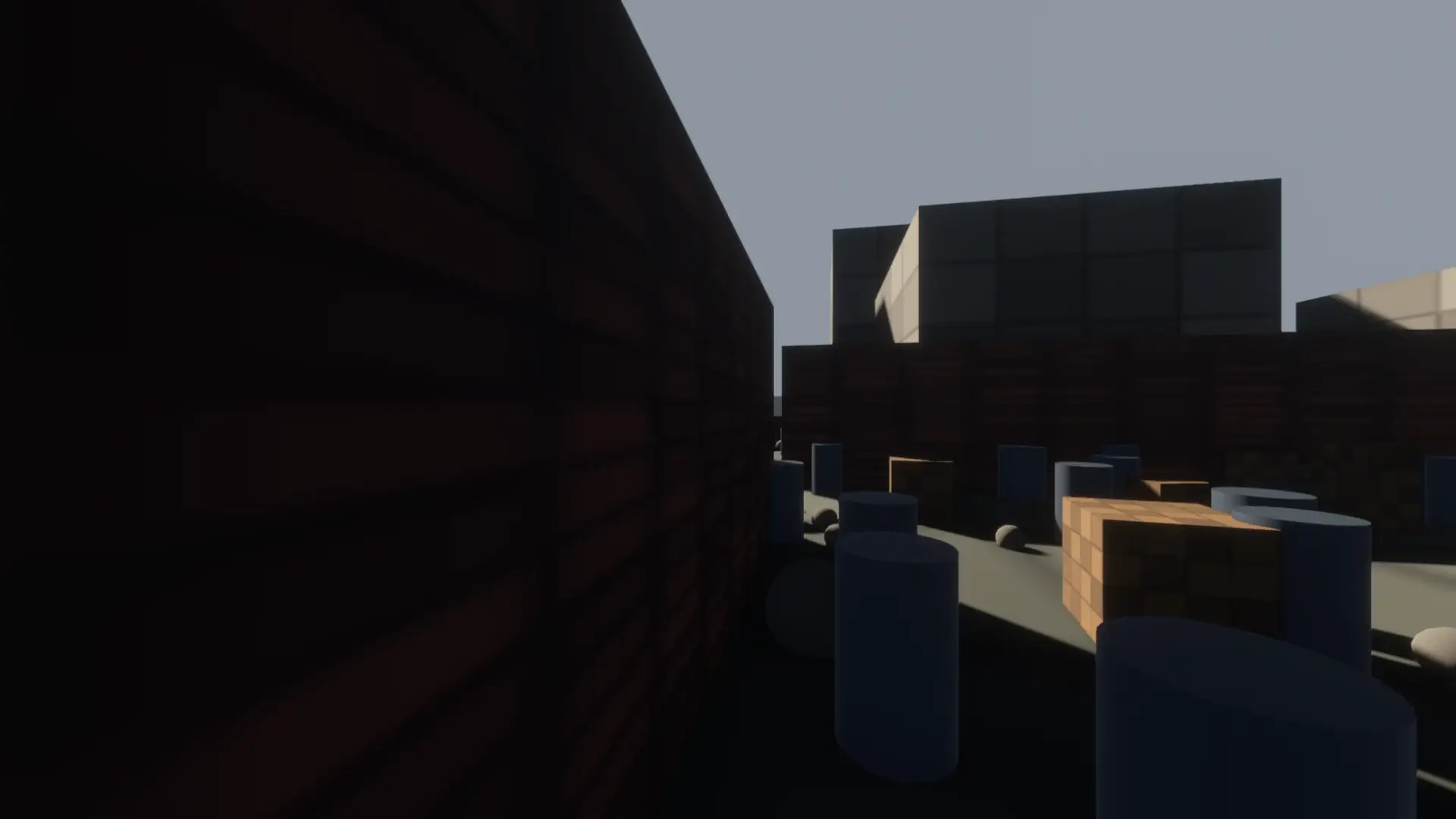
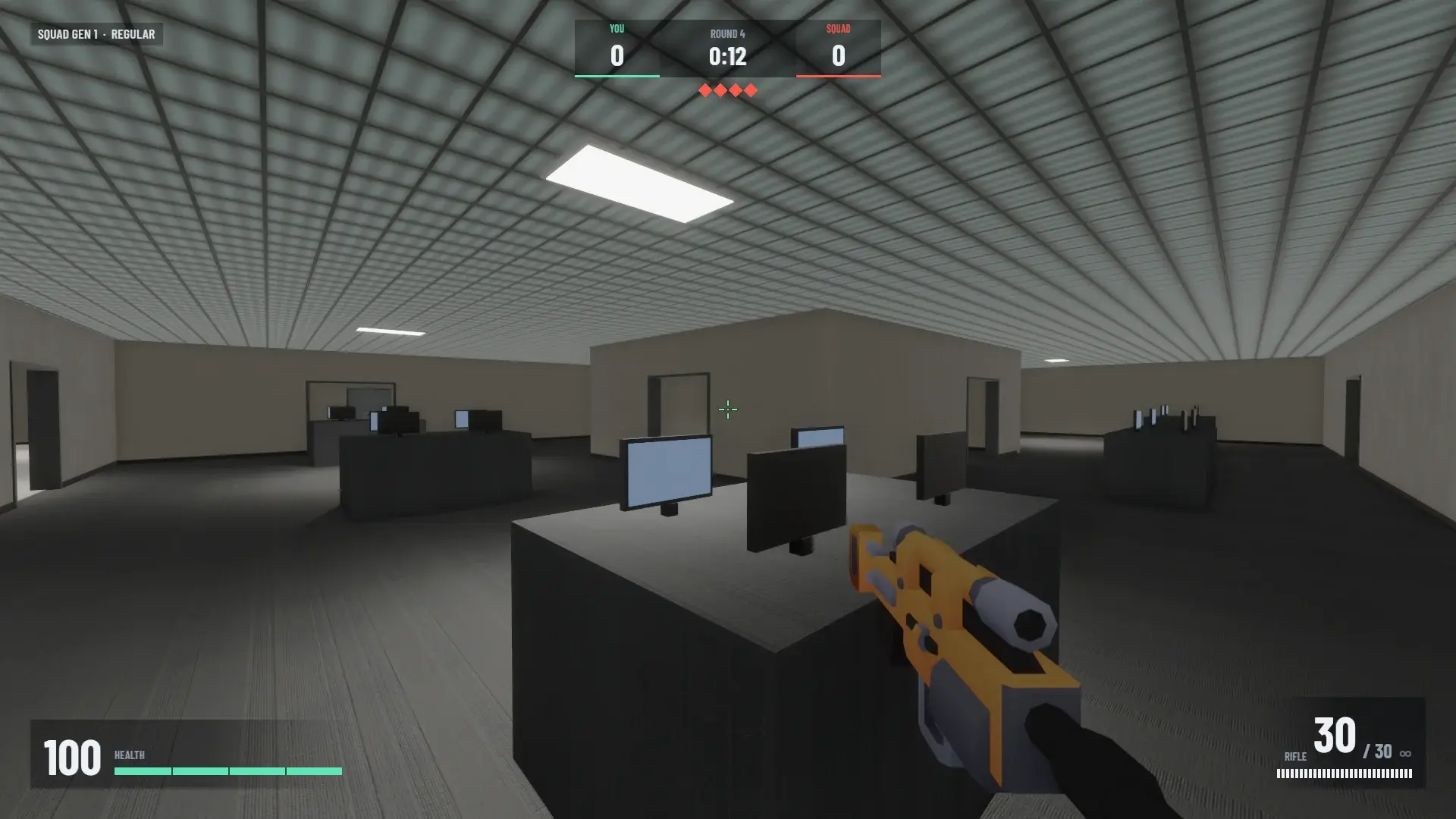
40,231 meshes.
480 drawn.
Every game on the engine gets a render budget with zero code. It works out what moves and what stands still, then spends detail where the camera is.
Apple M5 Pro, 1920×1080, High quality, vsync off
Before and after
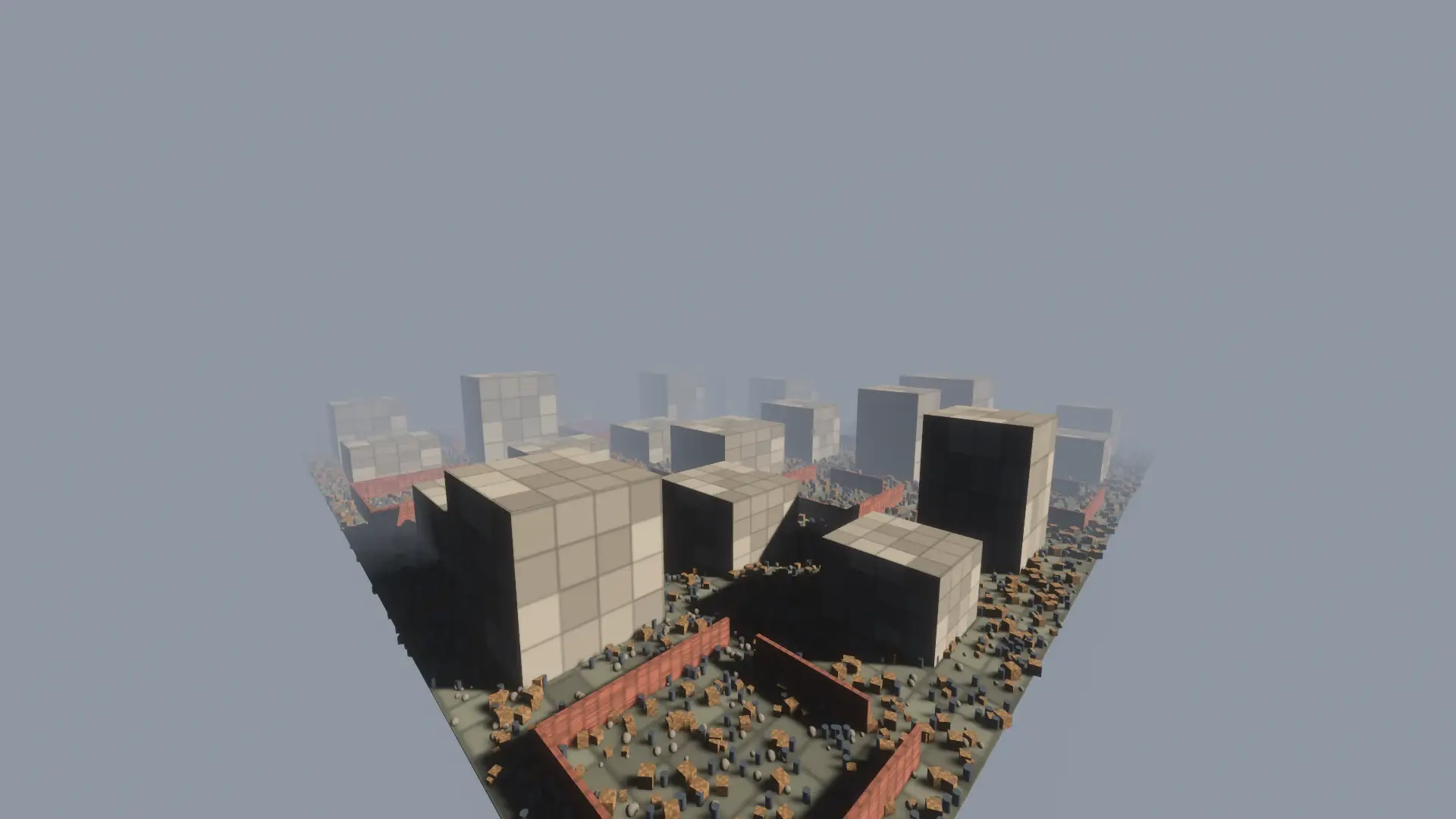
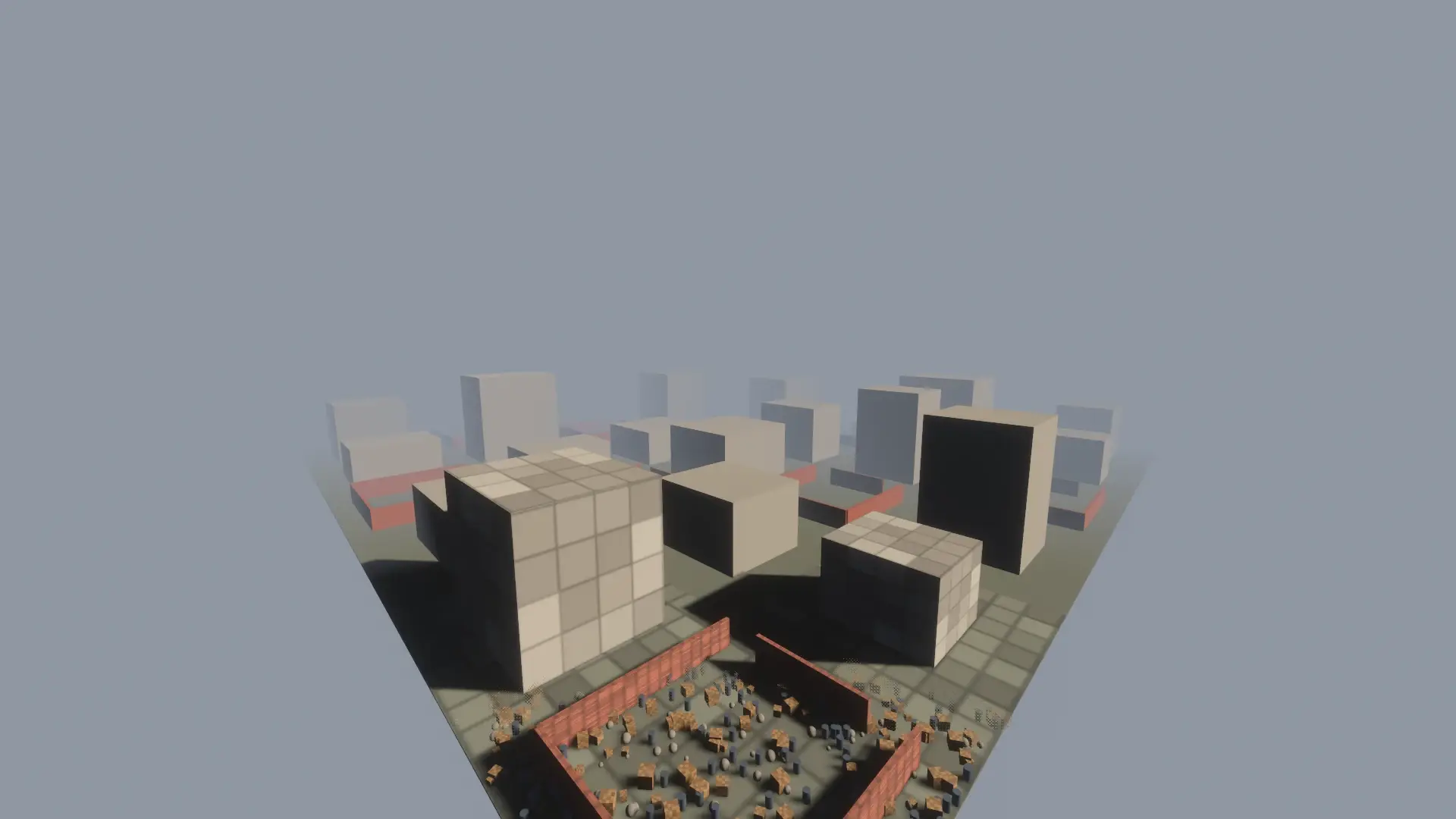
Drag the split. Far props dither out, far buildings become flat copies tinted with their texture's average colour, and cells beyond the view are not spawned at all. Near the camera nothing changes.
Four rules, no tags needed
- 1
Classify
Tags win if you set them:
ActororScenery. Untagged meshes under a camera, skinned, morphed or under a moving rigid body are actors at once. The rest are watched for 60 frames and become scenery if they did not move. Scenery that moves later turns back into an actor. - 2
Spend detail by distance
Props under 1.5 m stop casting shadows past 50 m and fade past 60 m. Bigger pieces switch to a far twin at 80 m and vanish at 170 m. Set the view distance to where your fog turns opaque and the edge is never seen. Actors are never changed.
- 3
Stream big maps
Register scenery as data with
SceneryStreamand cells around the camera spawn nearest first, 64 per frame, with hysteresis on the way out. Colliders are never streamed: physics, AI raycasts and navigation always see the whole map. - 4
Rest the GPU in menus
Menus, pause and boot redraw at 30 Hz when focused and 8 Hz when not. Gameplay stays continuous. GPU busy in menus dropped from 85 to 92% to 21 to 32%.
Distance detail, explained
- Full detail 7
- No shadow 1
- Dithered out 4
- Far twin 3
- Gone 3
- Actor, never changed
- Collider, never touched
- Markers: shadow, small props, far, view
The render budget sorts static scenery by its distance from the camera. Props smaller than 1.5 m stop casting shadows past 50 m and dither out past 60 m. Bigger pieces swap to a flat far twin past 80 m, tinted with their texture's average colour. Nothing draws past 170 m, where a game's fog turns opaque. Actors keep full detail and shadows, and colliders never change, so physics and AI still see the whole map. Each preset scales every range: Low 0.6, Medium 0.8, High 1.0, Ultra 1.5.
The numbers
A 300 × 300 m city: 100 ground tiles, about 170 buildings and 120 yard walls that occlude, 20 walking actors. Each row is 7 seconds at a fixed camera pose, driven over the control port, with the optimisations toggled at runtime. "Drawn" is meshes the camera drew over meshes in the world.
| Pose | Drawn, off | Drawn, default | p95 ms | GPU ms | FPS |
|---|---|---|---|---|---|
| overview | 40,231 / 40,644 | 480 / 19,315 | 4.54 to 3.07 | 3.51 to 2.58 | 268 to 350 |
| street | 32,238 / 40,644 | 1,736 / 32,172 | 4.97 to 3.42 | 3.76 to 2.95 | 259 to 323 |
| walk | 9,570 / 40,644 | 1,620 / 35,605 | 4.15 to 3.63 | 3.14 to 2.89 | 279 to 308 |
| Pose | Drawn, off | Drawn, default | p95 ms | p95 with occlusion |
|---|---|---|---|---|
| street | 3,484 / 4,644 | 351 / 3,732 | 4.23 to 3.38 | 3.61 |
| overview | 4,334 / 4,644 | 160 / 2,254 | 3.28 to 3.27 | 3.44 |
| yard | 3,442 / 4,644 | 262 / 2,765 | 3.43 to 3.25 | 3.70 |
| walk | 1,344 / 4,644 | 189 / 4,021 | 3.39 to 3.18 | 4.26 |
- Idle skip, opt-inOn a still street view a frame where nothing visible changed is simulated but not drawn. GPU busy went from 79% to 2%; 342 of about 350 frames were skipped over 6 s, and screenshots taken while skipping are correct.79% to 2%
- Zero configThe same city with no Actor or Scenery tags at all gives identical counts and frame times.Identical
- Its own costAbout 30 µs per frame at 4.6k meshes and 200 to 320 µs at 40k, mostly dev-only per-mesh counters that are off in ship builds.~30 µs
- Where it showsThe empty city still costs 2.5 to 3.5 ms of GPU at High: SSAO, TAA, bloom and three shadow cascades dominate. Culling shows most where geometry is heavy, and on weaker GPUs.Honest
What did not make the cut
- Opt-in
GPU occlusion culling by default
3 to 15% slower in every pose. Walking p95 went from 3.39 to 4.26 ms: the depth prepass and two-phase culling cost more than the draws they save with GPU-driven batching.
- Dropped
Trimming shadows of big scenery at 50 m
A building’s shadow vanishing at mid range is visible in screenshots. Only small props lose shadows; big pieces keep theirs until the far twin takes over.
- Option
Hide-mode streaming of spawned scenery
No measurable gain over distance detail, which already stops drawing it.
- Dropped
Streaming biased toward the view direction
An FPS turns 180° in about 0.1 s and frustum culling already skips what is behind. Not worth the pop-in risk.